
Begin chair care by identifying the actual materials and finding the instructions for the model. A product photograph or a finish name is not enough to choose a cleaning product. Keep routine cleaning separate from mechanical servicing, which may require the supplier's assistance.
Build a care record for the exact chair
Save the product link, model identifier, purchase details and any instructions supplied with the chair. Record the confirmed seat covering, back-panel material, arm covering and frame finish. A chair can contain several materials that need different treatment.
If the instructions are missing, request them before applying a chemical cleaner. Explain which part you want to clean and what has caused the mark. Do not assume that a product used on another upholstered item is suitable for this chair.
Use the approved method for each surface
Follow the manufacturer’s instructions for routine dust removal, any permitted vacuuming and any allowed damp cleaning. Observe instructions about dilution, contact time and drying where they are provided. Avoid describing any unverified method as universally safe for mesh, wood-tone finishes or leather-look coverings.
| Surface | What to confirm |
|---|---|
| Upholstered seat | Actual covering and approved cleaning process |
| Mesh panel | Approved method and handling limits |
| Frame or base | Finish type and compatible products |
| Removable-looking cover | Whether removal and washing are actually permitted |
Keep mechanical concerns out of improvised cleaning
If a chair becomes unstable, a mechanism behaves unexpectedly or a component appears damaged, stop using it and contact the supplier for model-specific instructions. Do not dismantle a height mechanism or attempt a repair based on a general cleaning article.
Ask the supplier what routine checks are expected, who should perform them and which replacement parts are approved. Record the model and affected component when requesting support. Warranty terms and service procedures can differ between products.
Make maintenance part of the purchase
Before buying more chairs, compare how their care requirements fit the actual household or workplace routine. Ask whether replacement arm pads, castors, covers or other components are offered, without assuming all models are serviceable in the same way.
Keep finishes and component codes with the order records so replacements can be identified accurately. The examples below link to office-chair categories for product enquiries; they do not imply that one cleaning method, warranty or replacement-part programme applies to every listed chair.
Catalogue examples to compare
These examples are selected by product category and name, not ranked from hands-on testing. Confirm the dimensions, functions, materials, price and availability of each model before ordering.
Task and swivel chair examples
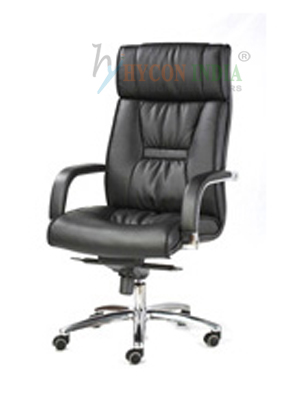
Explore Grey-Seat Mesh Office Chair with Black Frame, Black High-Back Upholstered Office Chair with Curved Arms, Black High-Back Mesh Office Chair with Chrome-Style Castor Base. Use the checks in this guide to compare their confirmed specifications.
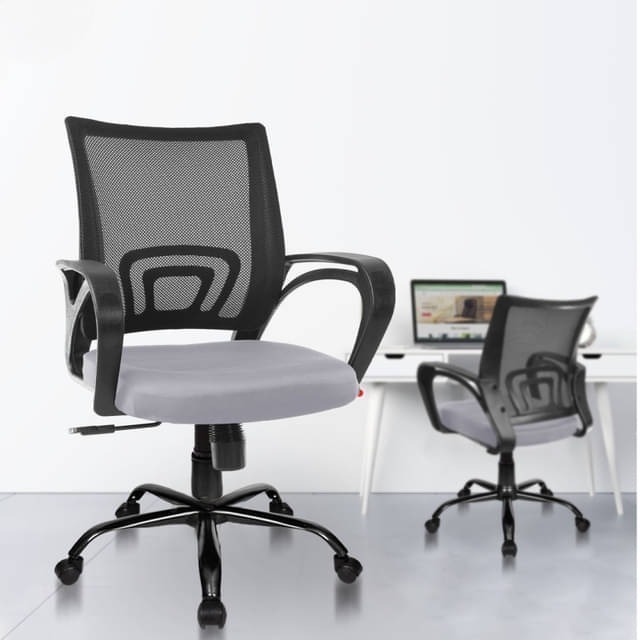
Grey-Seat Mesh Office Chair with Black Frame
Open the product details and enquire about the exact configuration.
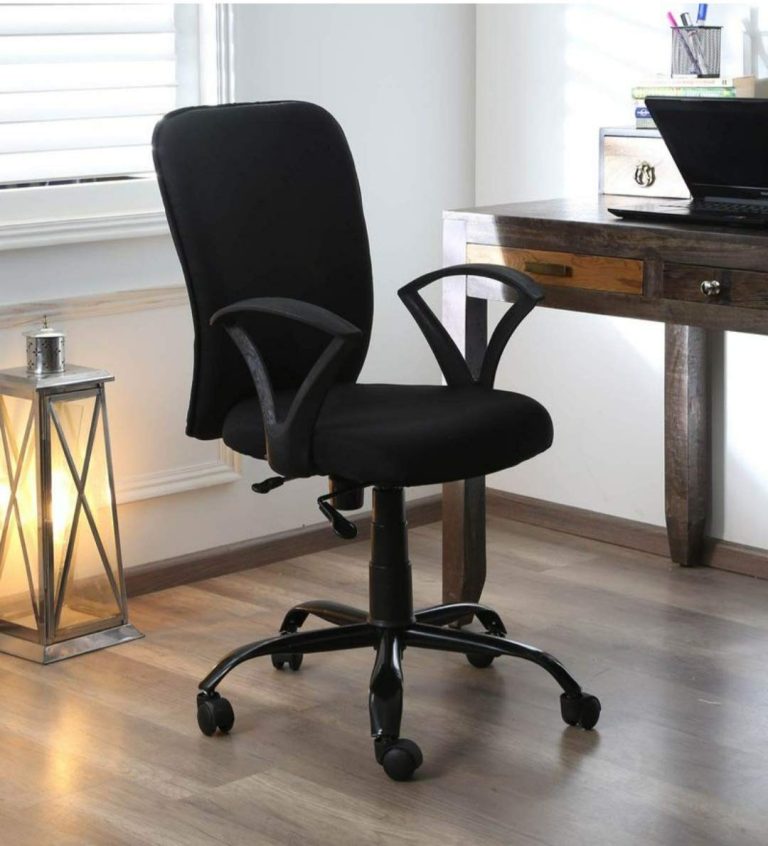
Black High-Back Upholstered Office Chair with Curved Arms
Open the product details and enquire about the exact configuration.
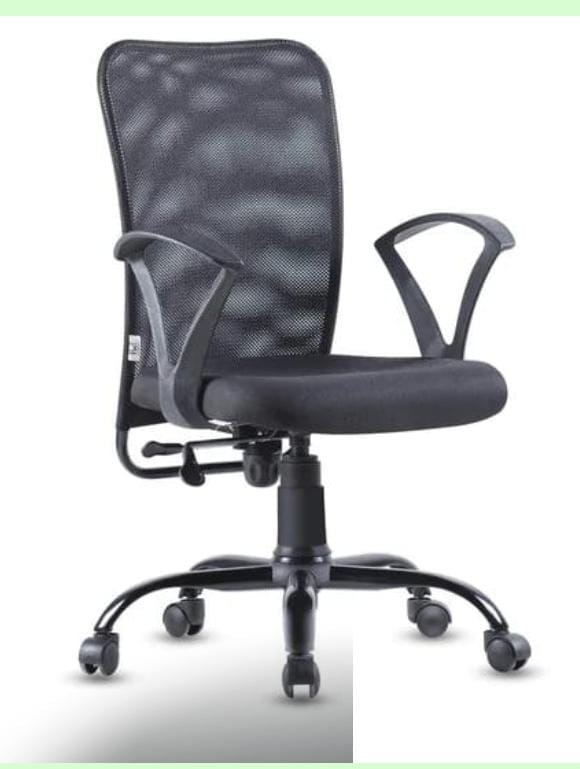
Black High-Back Mesh Office Chair with Chrome-Style Castor Base
Open the product details and enquire about the exact configuration.
Executive chair examples
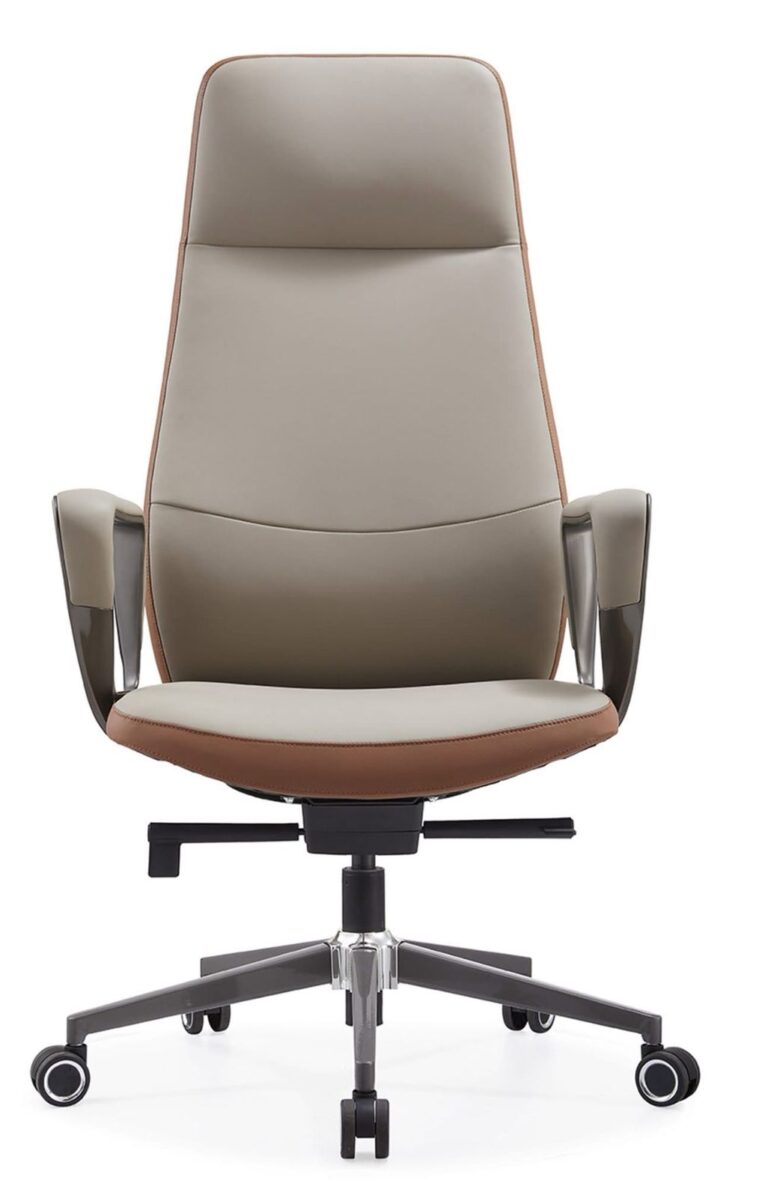
Explore Stanley Office Chairs, Stanley Office Chairs, Stanley Office Chairs. Use the checks in this guide to compare their confirmed specifications.
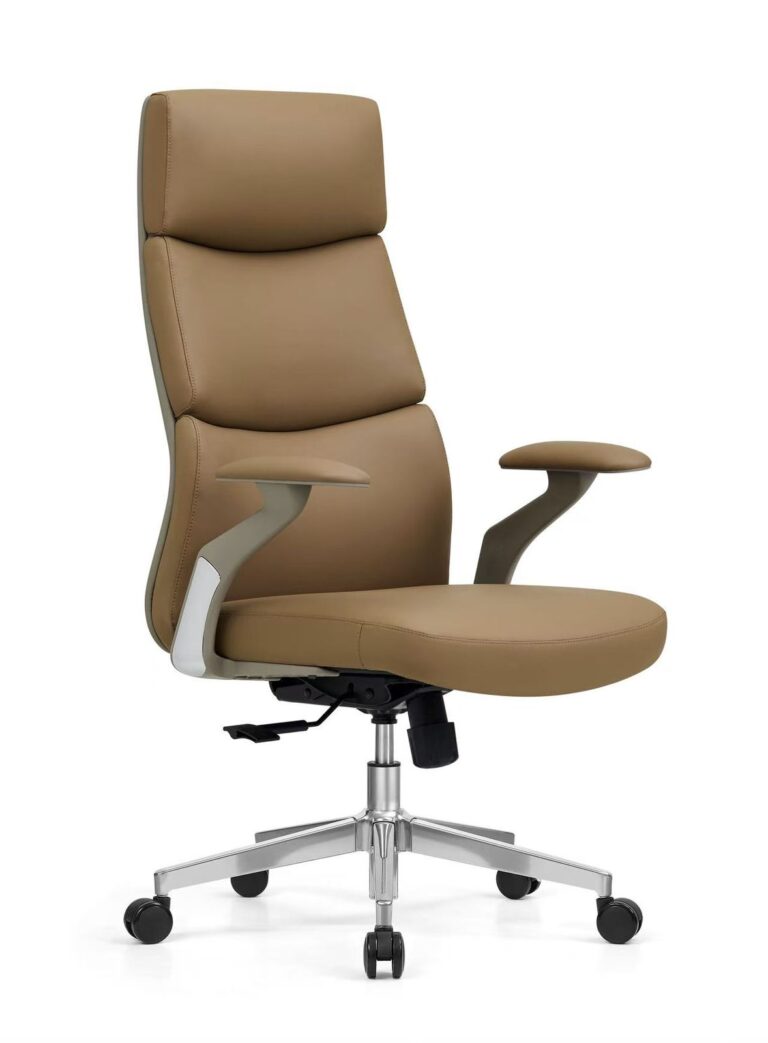
Browse related categories: Task & Swivel Chairs · Staff Chairs · Executive Chairs.
This guide was prepared with writing assistance to explain buying decisions. Product references come from the Chairswala catalogue; they are not a hands-on test or a guarantee of suitability.