
A chair can be the right style and still fail to fit the desk. Measure the complete workspace before ordering: the opening beneath the desk, the chair's widest points and the space used when it is pulled out. A simple worksheet helps separate room fit from seated fit.
Measure the smallest usable desk opening
Record the clear width between desk legs or storage units. Then measure the height beneath the lowest obstruction, including an apron, keyboard tray or drawer. Measure at the point where the chair arms would enter, not only at the front edge of the tabletop.
Note the depth available beneath the desk and any cables or support rails. If the desk has an L-shaped return, sketch which side the chair will approach from. A product’s advertised tabletop height does not provide all of these clearances.
Request complete chair dimensions
| Measurement | Why it matters |
|---|---|
| Overall chair width | Includes arms and other projecting parts |
| Base footprint | Can be wider than the seat or back |
| Arm height at intended setting | Determines whether arms pass beneath the desk |
| Seat-height range | Helps compare user fit with the work surface |
| Overall depth and movement envelope | Allows space for getting in, turning and pulling out |
Ask how each dimension was measured. A height quoted at the highest setting is not interchangeable with a minimum height. Keep units consistent when comparing supplier drawings with your own measurements.
Check seated fit separately
Room clearance cannot establish whether the chair fits the user. OSHA’s chair guidance describes checking foot support, seat depth and arm positioning as part of workstation setup. Compare the chair with the person at the actual work surface, and try it where possible.
Do not choose a chair merely because it can slide completely beneath the desk. A chair that parks neatly may still place the working position too far from the surface. Conversely, a chair that fits the user may need a different desk arrangement to work well.
Test the layout before committing
Mark the confirmed chair footprint on the floor with removable tape or a paper outline. Check how drawers open and how a person moves behind the chair when it is occupied. Include the door swing and nearby furniture in the test. This is especially useful when photographs make a chair look smaller than it is.
Send the measurements and a simple sketch with the product enquiry. Ask for written confirmation of the relevant dimensions rather than a general assurance that the chair is standard size. Keep the resulting drawing with the quotation so the delivered configuration can be checked.
Catalogue examples to compare
These examples are selected by product category and name, not ranked from hands-on testing. Confirm the dimensions, functions, materials, price and availability of each model before ordering.
Task and swivel chair examples
Explore Black Mesh Office Chair with Chrome-Style Castor Base, Black Mid-Back Mesh Office Chair with Angular Armrests, White-Frame Mesh Office Chair with Black Seat, Teal-Seat Mesh Office Chair with Black Castor Base. Use the checks in this guide to compare their confirmed specifications.
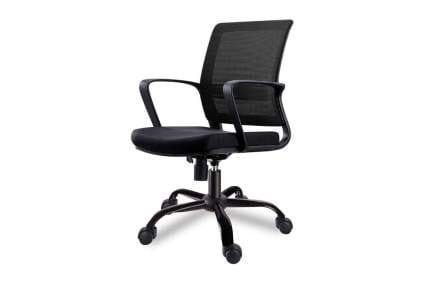
Black Mesh Office Chair with Chrome-Style Castor Base
Open the product details and enquire about the exact configuration.
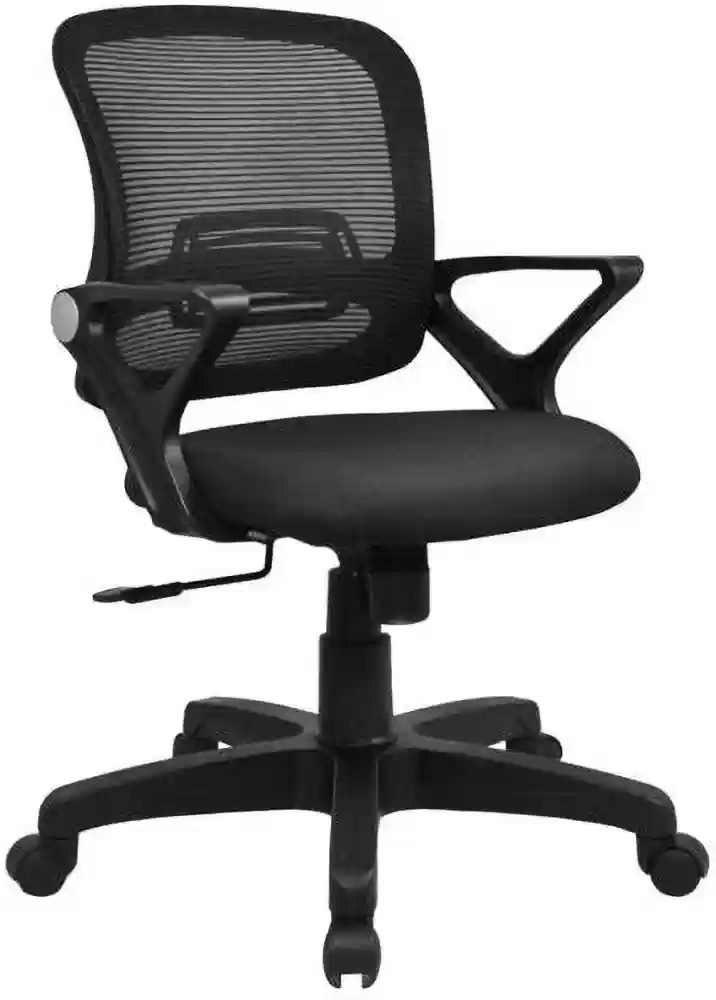
Black Mid-Back Mesh Office Chair with Angular Armrests
Open the product details and enquire about the exact configuration.
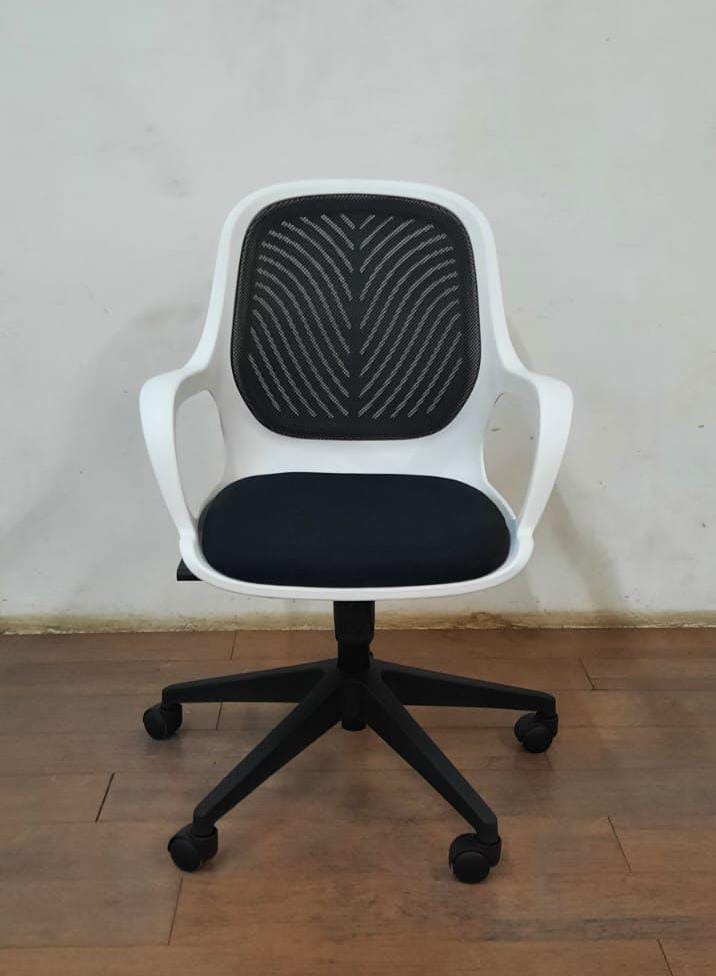
White-Frame Mesh Office Chair with Black Seat
Open the product details and enquire about the exact configuration.
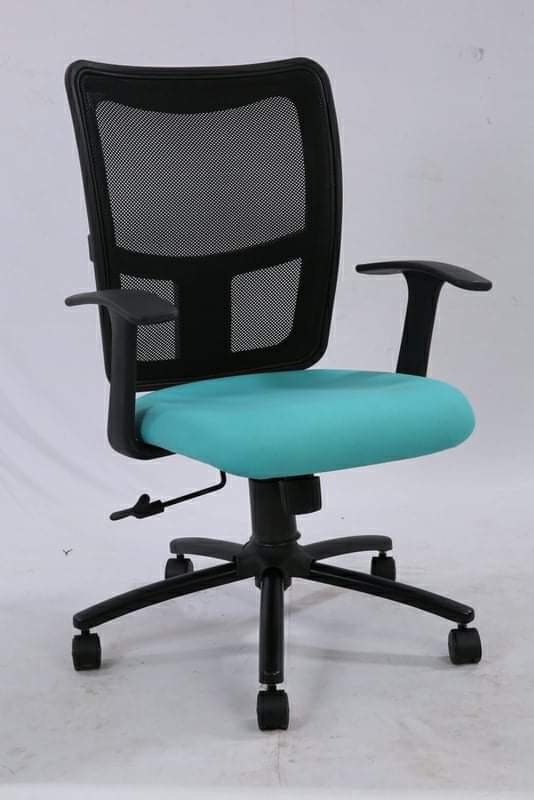
Teal-Seat Mesh Office Chair with Black Castor Base
Open the product details and enquire about the exact configuration.
Browse related categories: Task & Swivel Chairs · Staff Chairs.
Further reading
This guide was prepared with writing assistance to explain buying decisions. Product references come from the Chairswala catalogue; they are not a hands-on test or a guarantee of suitability.